


MyLink section was created to add external links into the RLP. The TM and CTM users can manage this section you can find through Manage Settings:
The mandatory fields are:
-
A brief.
-
URL
-
Banner image with 174 px wide.
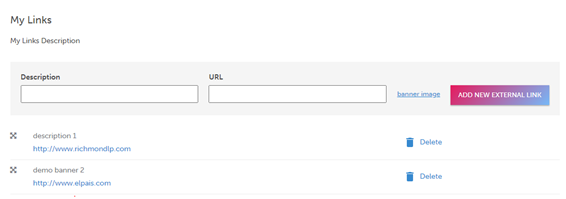
Once created, you can modify the presentation order.
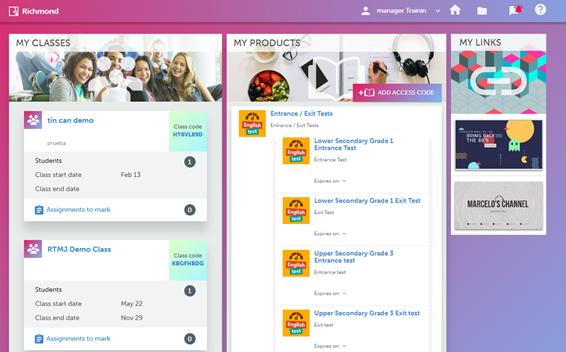
To modify the banner size, you can do it in Paint.
-
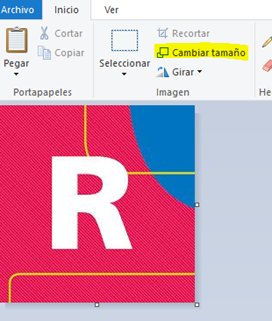
Use Paint to open the banner image.
-
Click on “Change size”.
-
Click on “Pixels” and add the size (174 pixels):
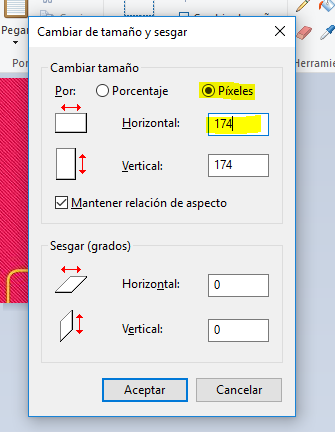
-
The image will change it's size. Click on "Save" and you will be able to use it as a banner in My Links.