

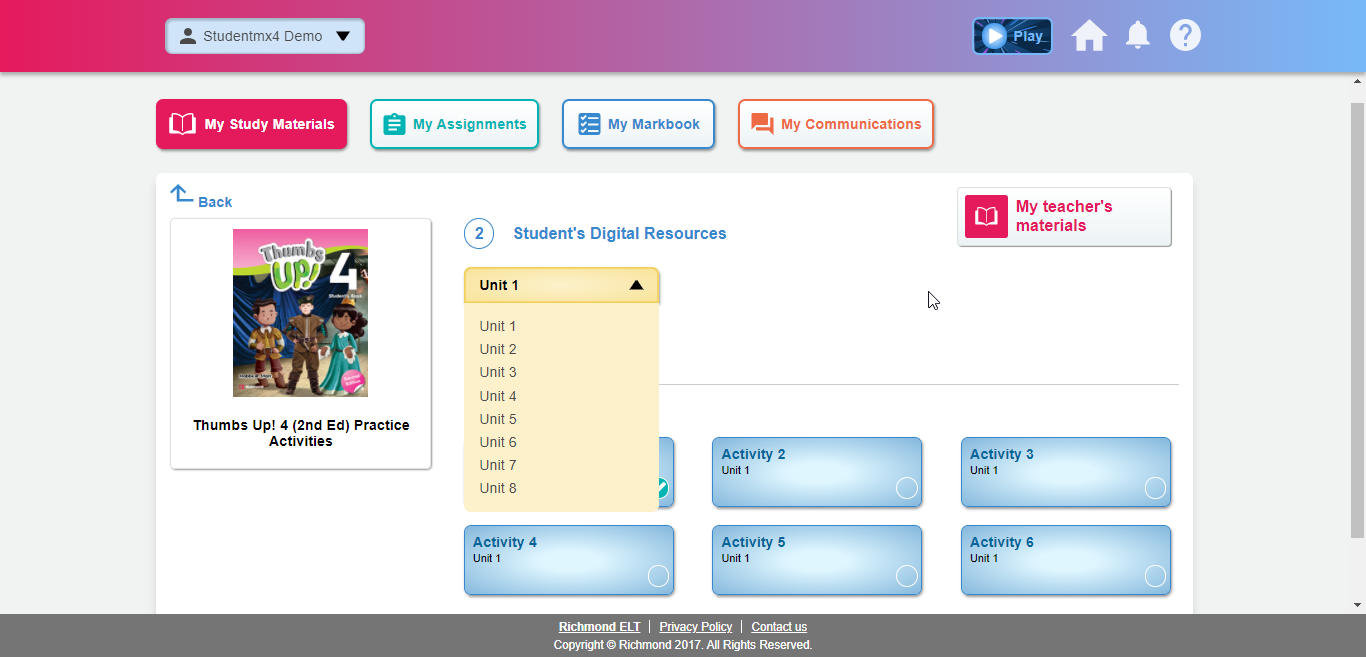
In the “My Study Materials” section the student will have access to the activities and resources active in their class. The first time the student logs in, the student must select the product that was requested by the Institution (Name of the series and grade). Once the teacher assigns the assignments and exercises, the student can go to this section to select the unit and start working on it:
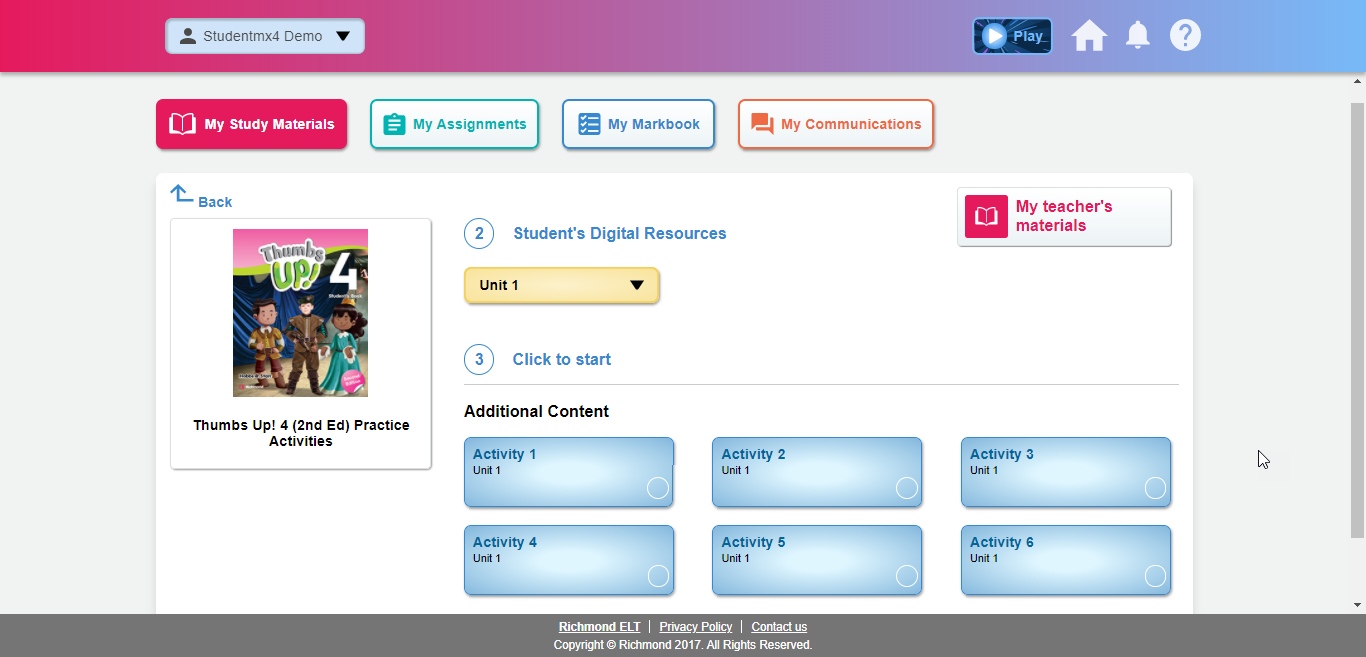
Once selected, the activities to be completed will appear:
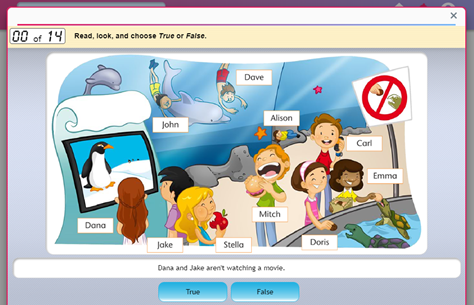
If the student selects an activity, it will open in a new window:
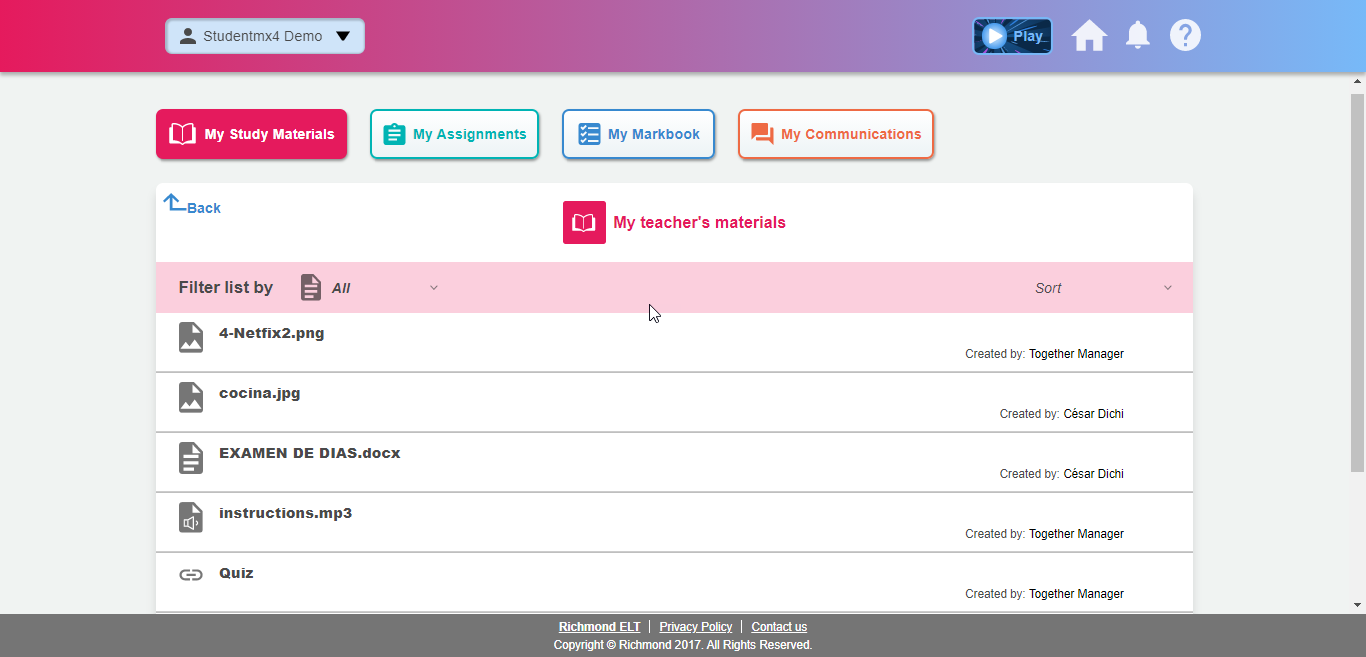
Once the student has finished the activity, it will be marked as completed and the score will be visible in the Markbook. Finally, in “My teacher’s materials” the student will be able to enter the contents that the teacher has shared with them.