
Below are the step by step instructions to access the RLP classes in Zoom.
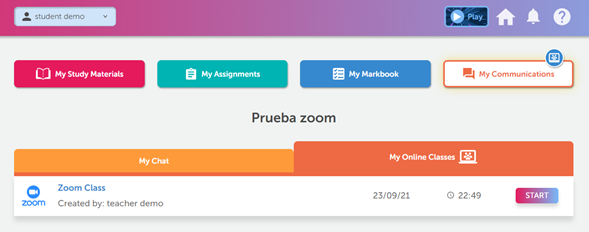
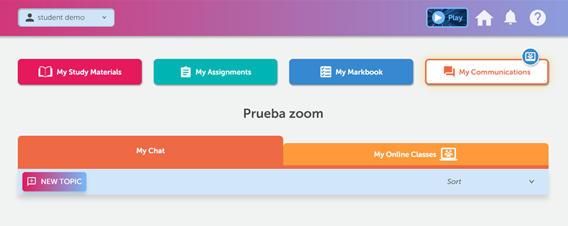
When the Teacher has created a Zoom class in the RLP, a message will appear in My Communications tool. Go in and click on the My Online Classes tab.
You will find a message with the Zoom logo, just click the Start button when the day and time of the session loads and it will open automatically.