
Follow the instructions and watch the video below:
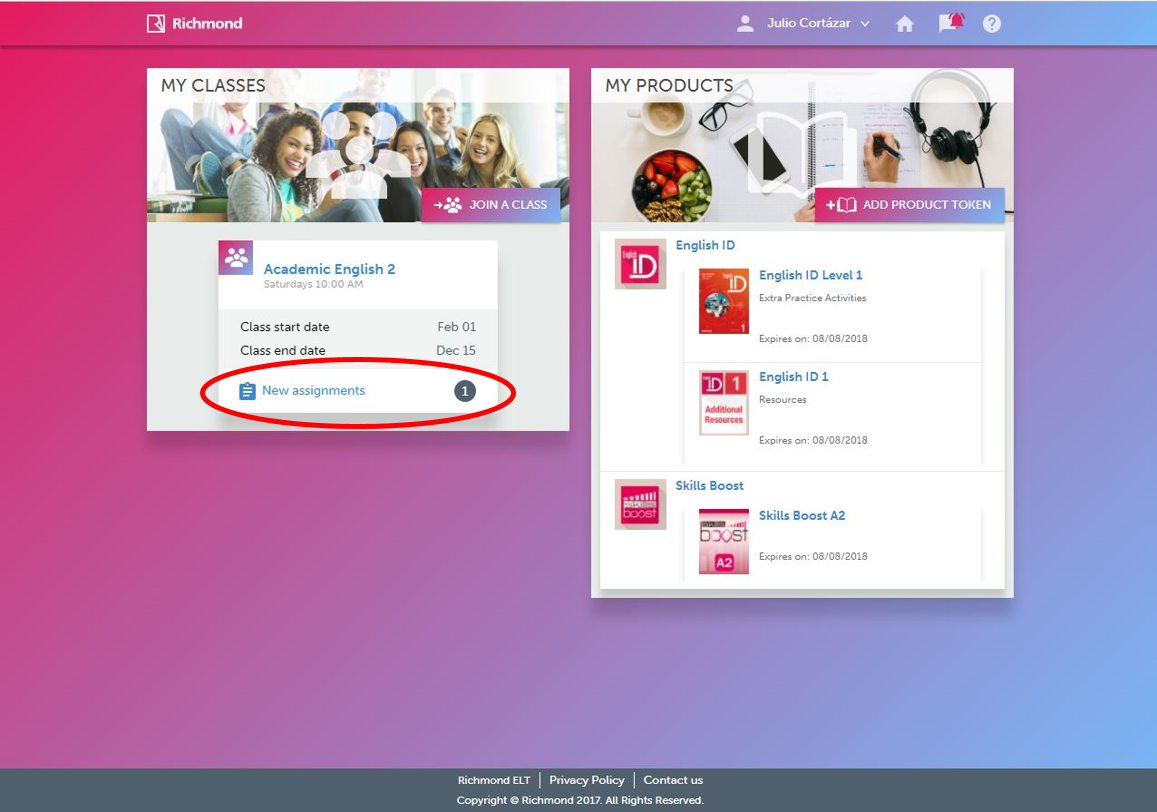
1. On the home page, click on your Assignments list.
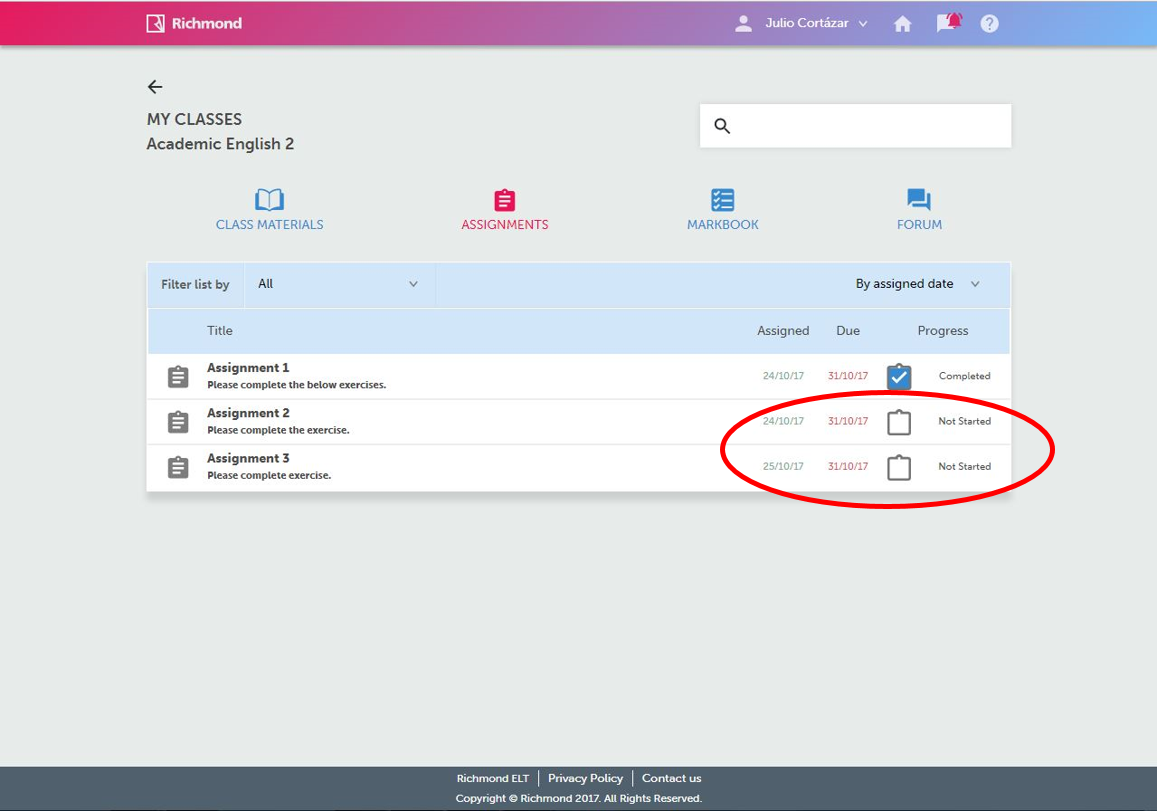
2. On the Assignments page, identify uncompleted assignments based on icon and status.
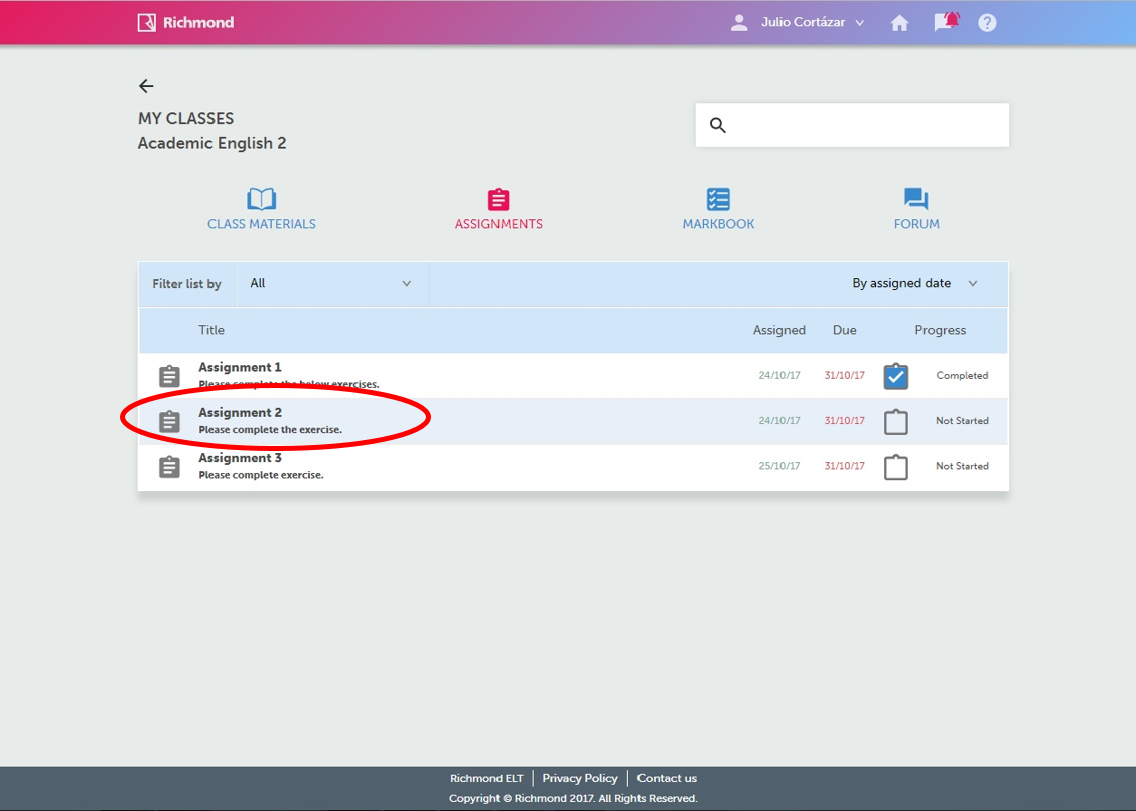
3. Click on the chosen assignment.
4. Click on each activity.
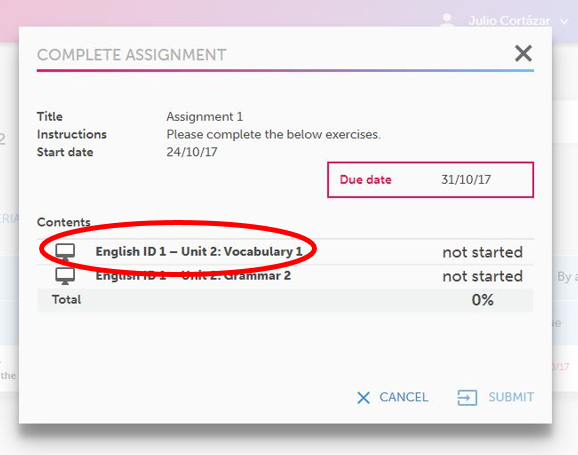
5. Complete the exercise, and click SUBMIT. You have two attempts for each activity.
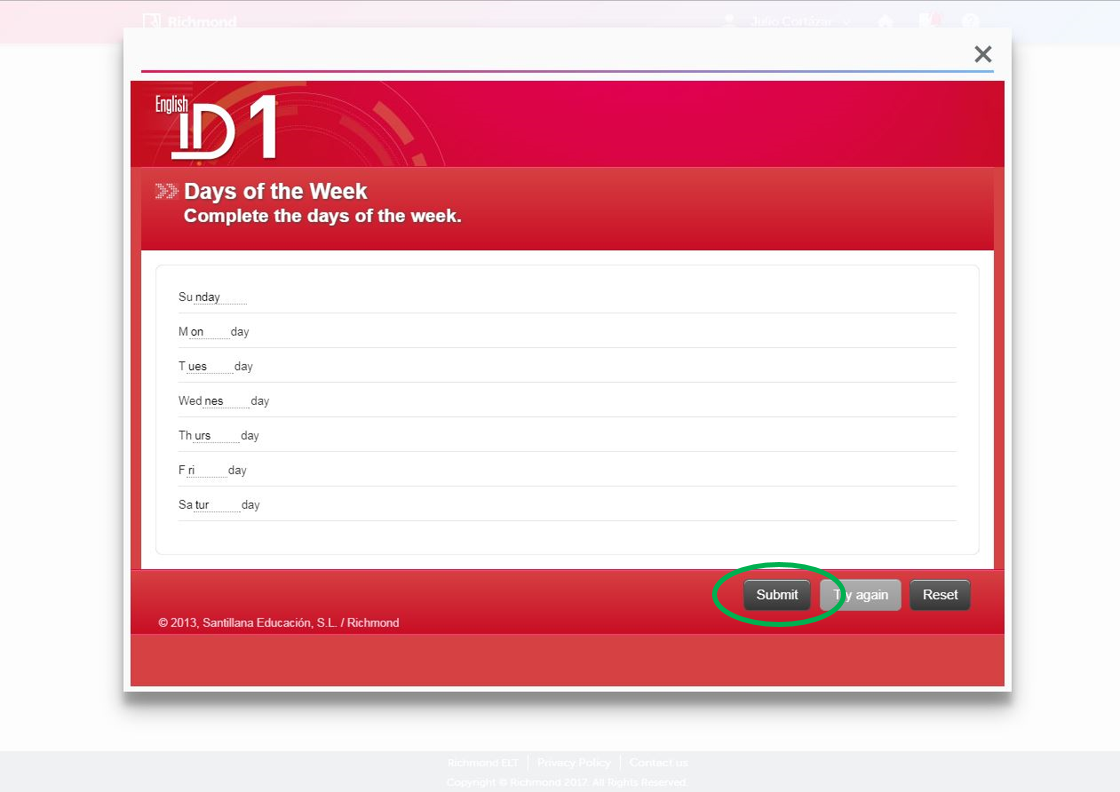
6. Complete the remaining activities.
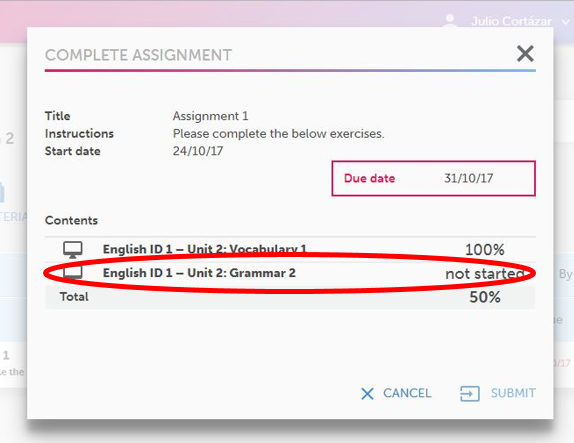
7. Click on SUBMIT.
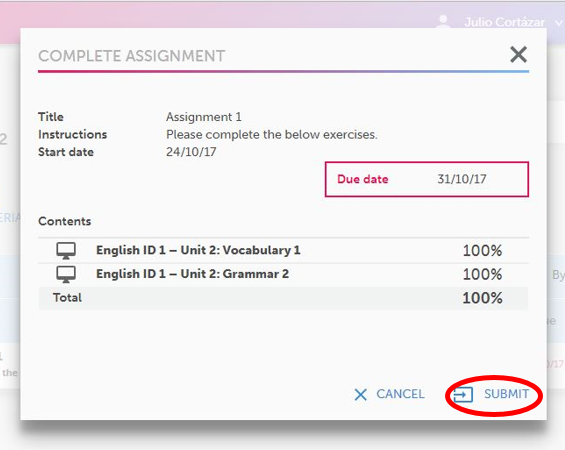
How to finish an assignment Video