
Follow the instructions and watch the video below:
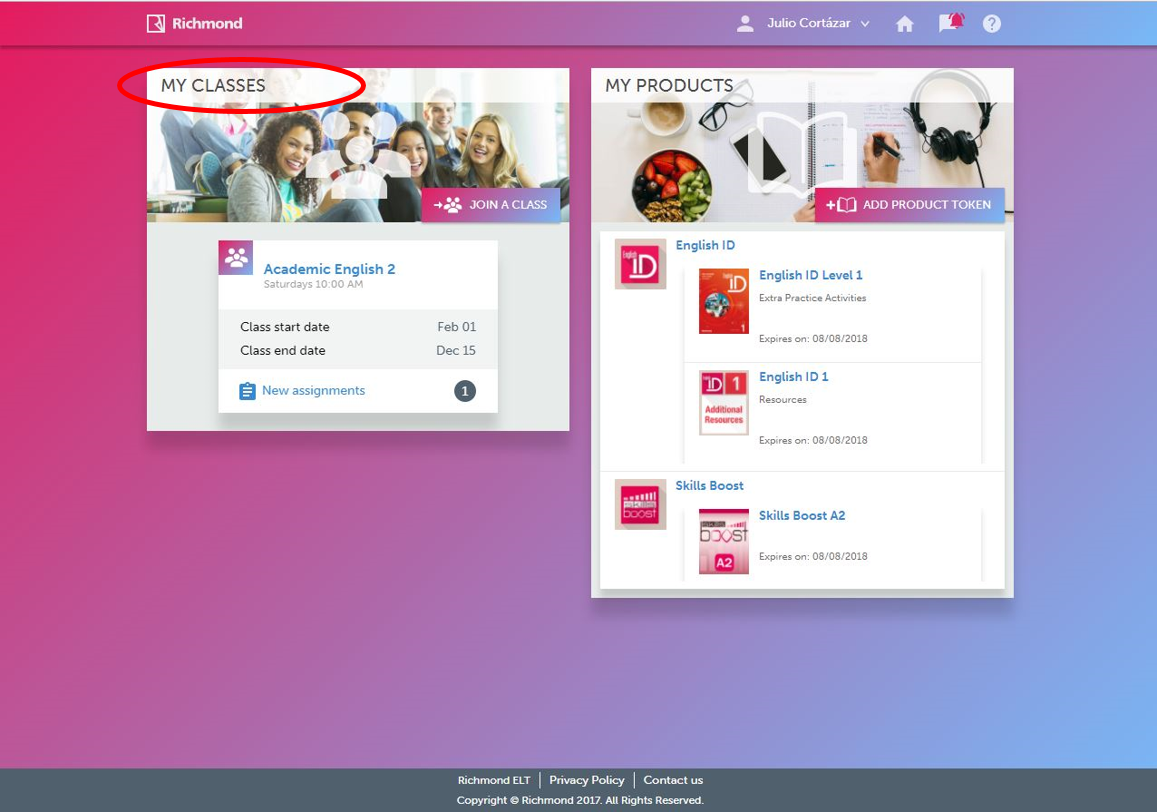
1. On the home page, on the left side, see the list of your classes.
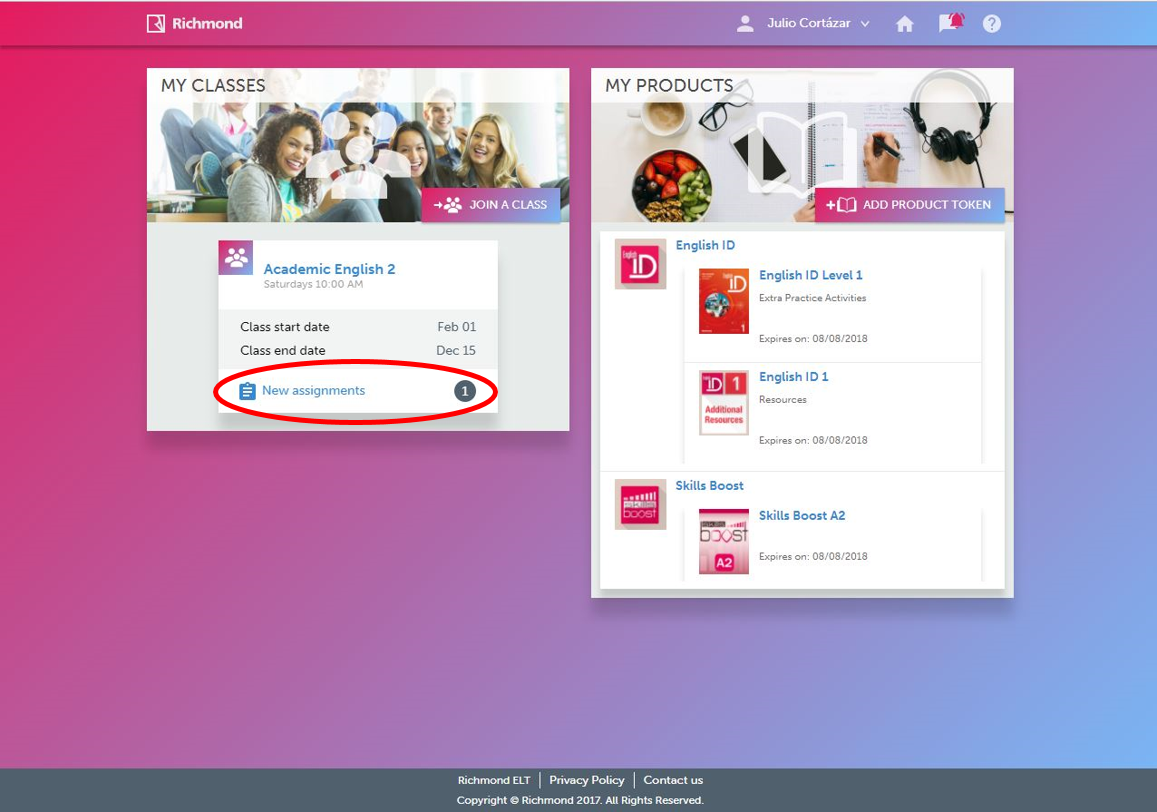
2. You will be able to see how many assigned activities there are in each class, in front of the “New assignments” section.
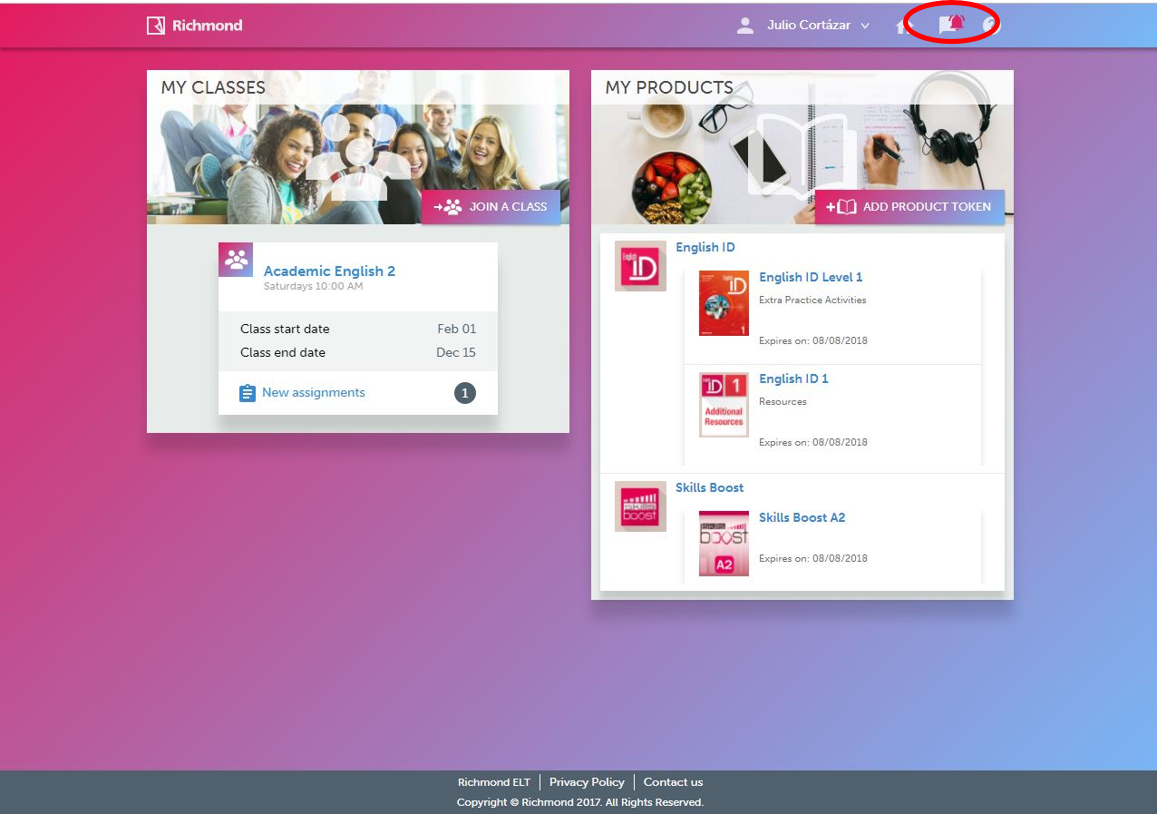
3. You can also look at the upper right corner. The red bell indicates that there are unread notifications, click on it.
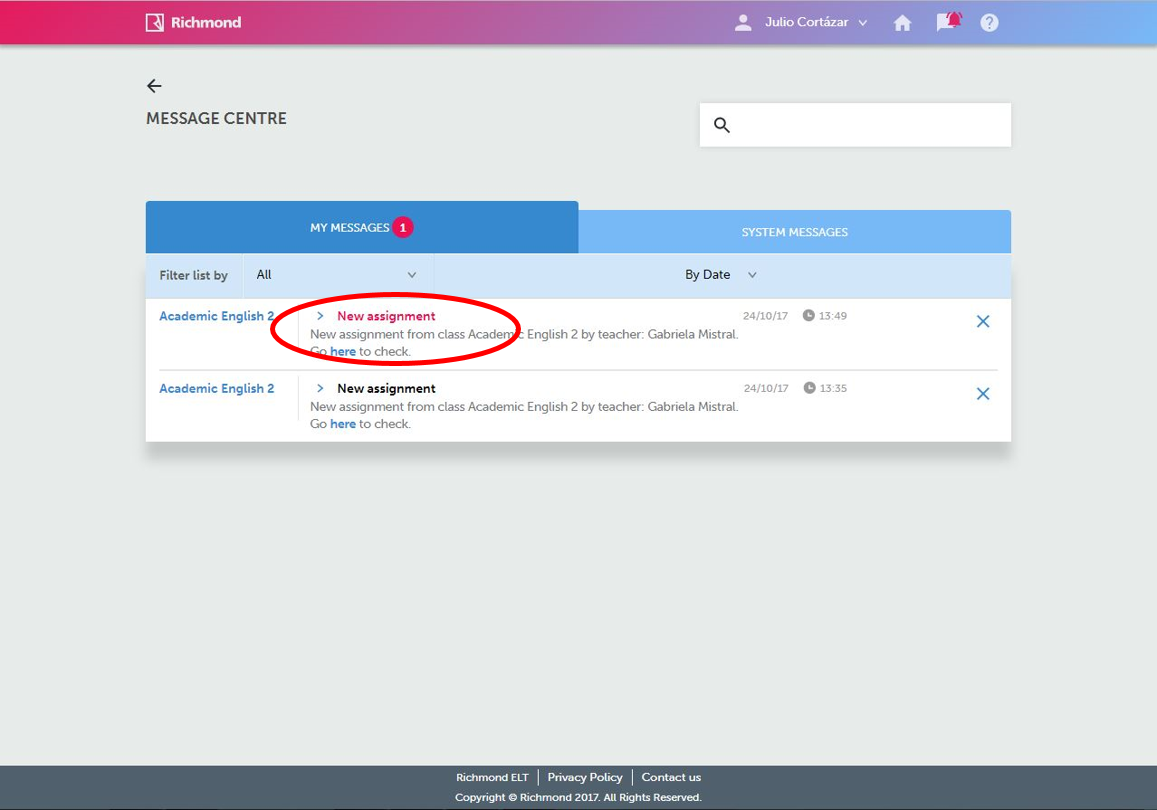
4. You will see the list of new messages, including notifications for new assignments.
Aware of new assignments Video