
Open the RLP webpage: www.richmondlp.com
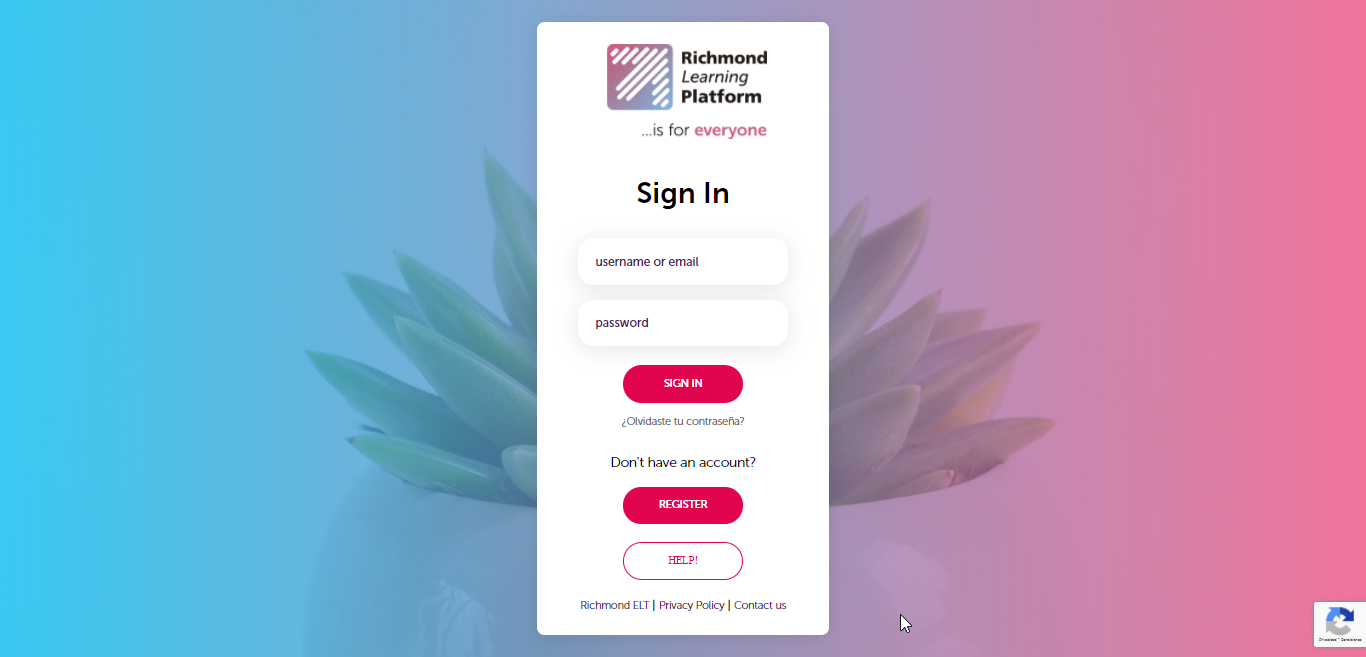
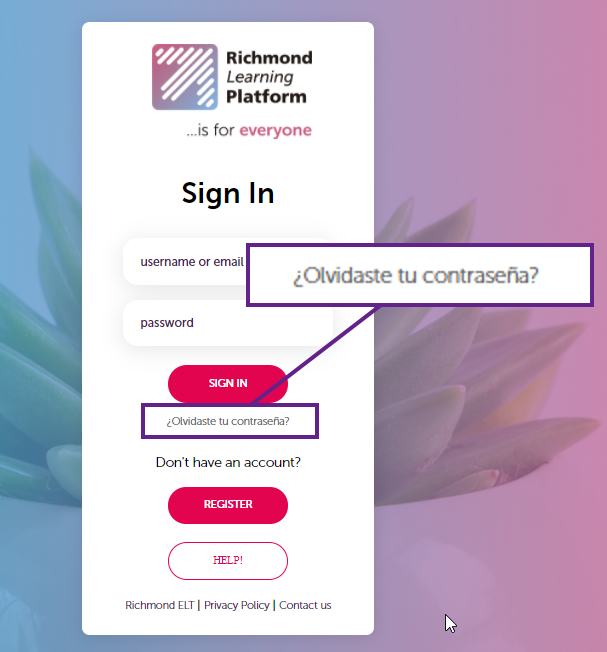
Click on "¿Olvidaste tu contraseña?/Forgotten password?"
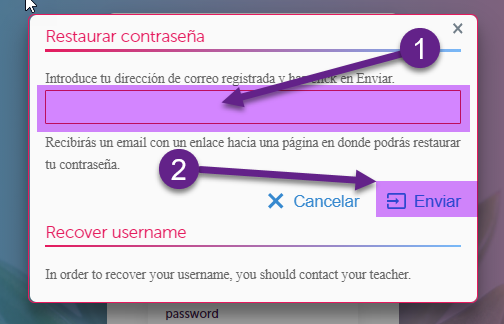
In the form that appears, enter the email address that you have registered in the RLP and click on Submit/Enviar.
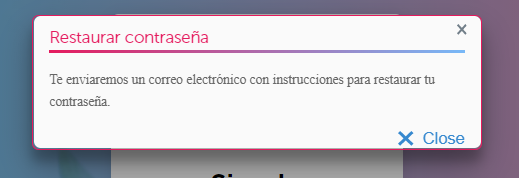
The following screen will appear to notify that the email has already been sent:
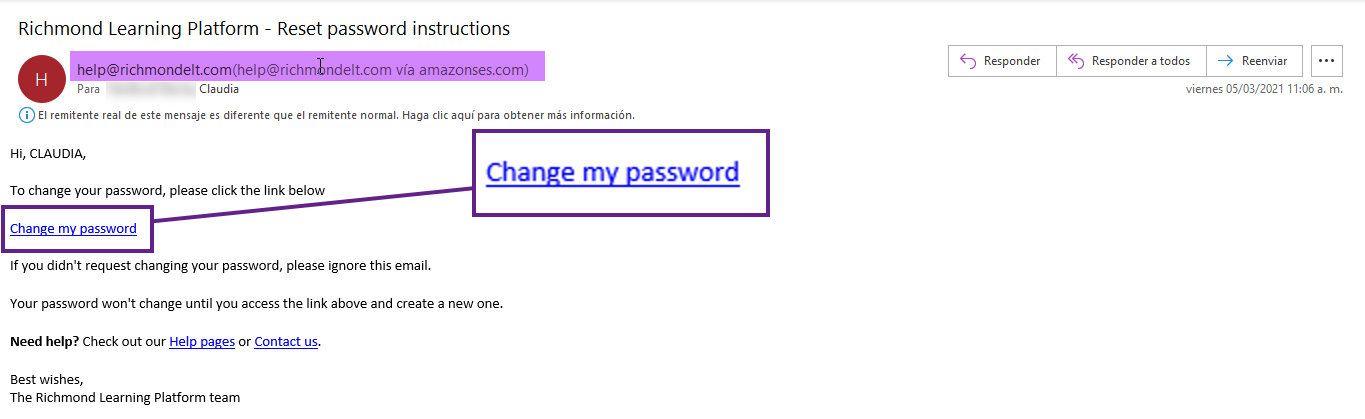
Check your inbox for the email provided in the previous step. Search for an email with a subject: “Richmond Learning Platform – Reset password instructions”. If you cannot find it, it is important that you look in the Junk Mail folder and add it as a safe sender so that it can be sent to your inbox.

Open the message and click on the indicated link to reset your password.
In the form that appears, enter a new password, confirm it by typing it again and click RESET PASSWORD.
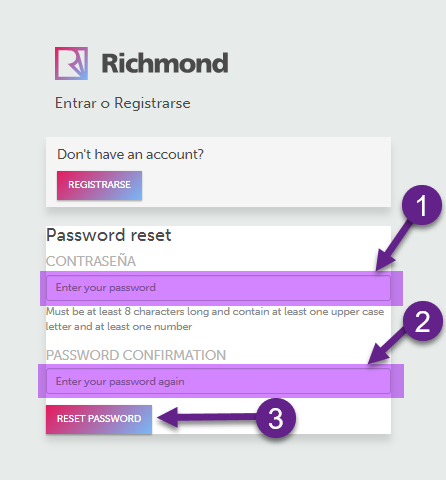
Your old password will be changed to a new one and it will redirect you to the RLP home page.
